| [ << Installing ] | [Top][Contents][Index] | [ 教程 >> ] |
| [ < Installing ] | [ Up: Installing ] | [ Command line setup > ] |
1.1 Graphical setup
The examples in this section are taken from a GNU/Linux install. Because Frescobaldi is written using cross-platform tools, it will look very much the same, whether on GNU/Linux, Windows, or macOS. The steps required to install a working LilyPond system are also very similar across systems.
First, download the latest release of Frescobaldi from the project’s download page. If you download from another source, please be sure that you are getting at least version 4.0.0, which introduced automatic LilyPond installation.
Choose the bundle appropriate to your operating system: Windows users should simply download and double-click the .msi asset. Users on macOS would do the same with the proper .dmg file. GNU/Linux users may have the latest version in their distribution’s software repository or the Flatpak hub. You will find more information for all platforms on the Frescobaldi install page.
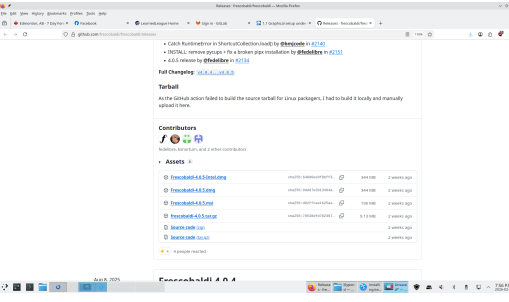
Install Frescobaldi from the bundle you downloaded. It is safe to accept all defaults in the installation process.
Open Frescobaldi. It starts on a new file with some pre-filled text that will be explained later.
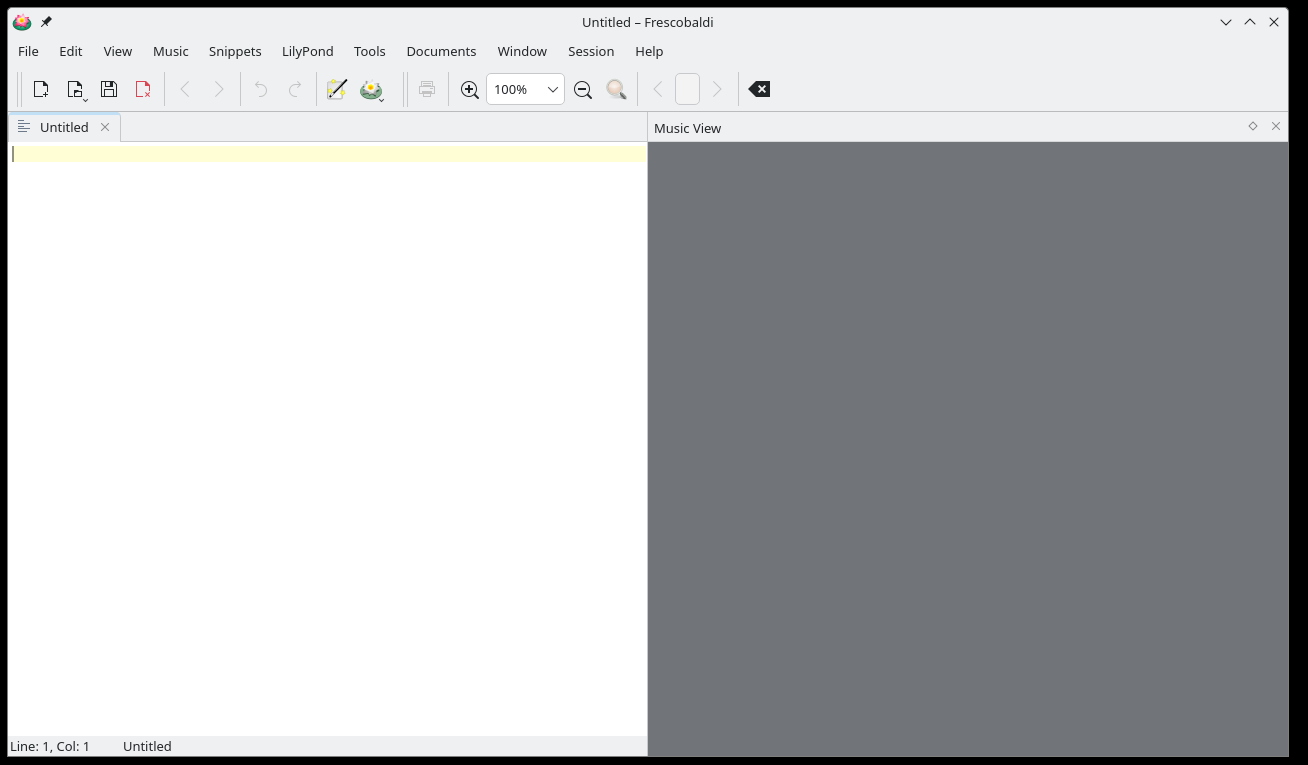
Now, verify that Frescobaldi has installed a version of LilyPond, and make note of the version number. Navigate to Frescobaldi preferences, and select “LilyPond Preferences” on the left.
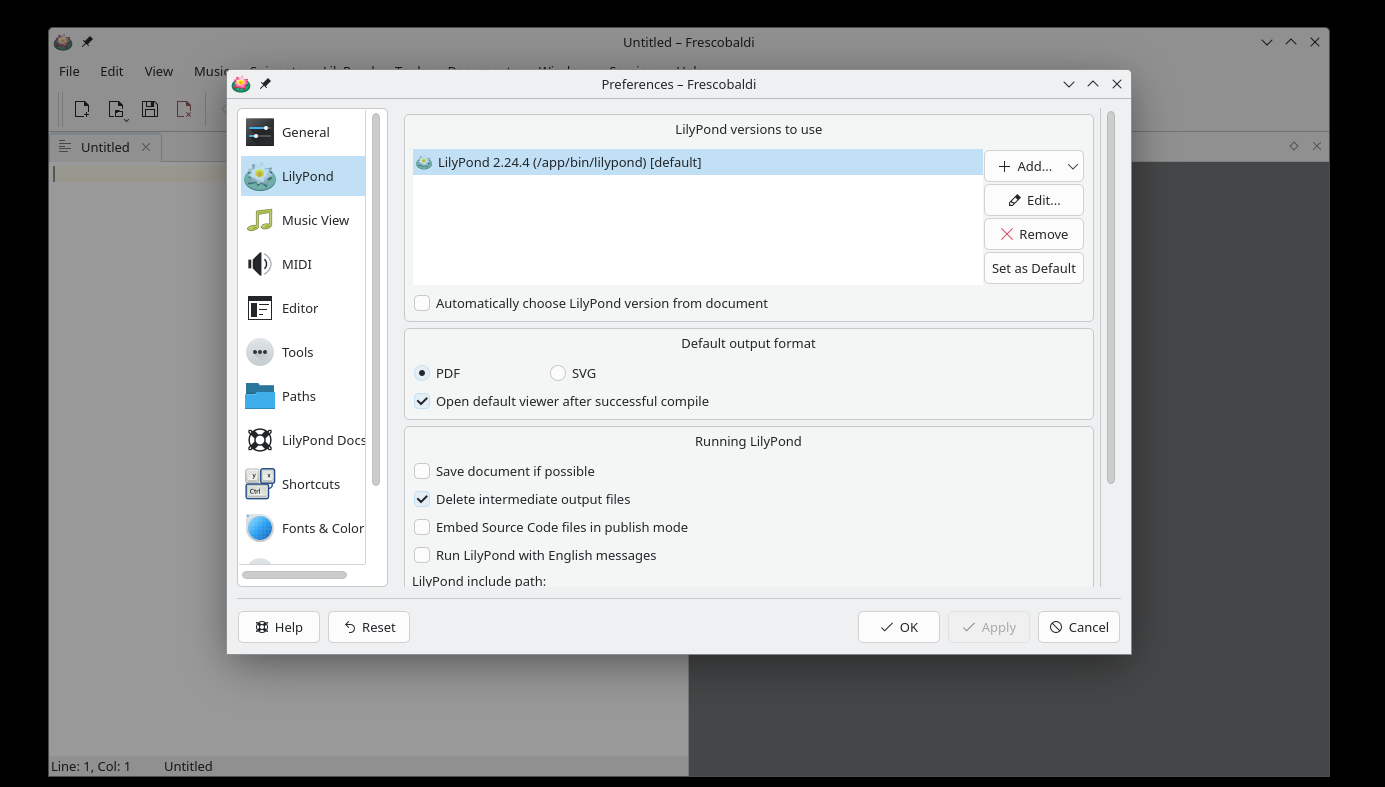
There will be at least one version of LilyPond already installed and ready for use. Make note of the version number for the next step. As new versions of LilyPond are released, simply return to this area, click on “Add”, then select the new version from the dropdown which appears. Fresobaldi then downloads and installs it for you.
To verify the installation, enter the following two lines in the left window, exactly as in this example. Be sure to use your version number.
\version "2.24.4"
{ c' }
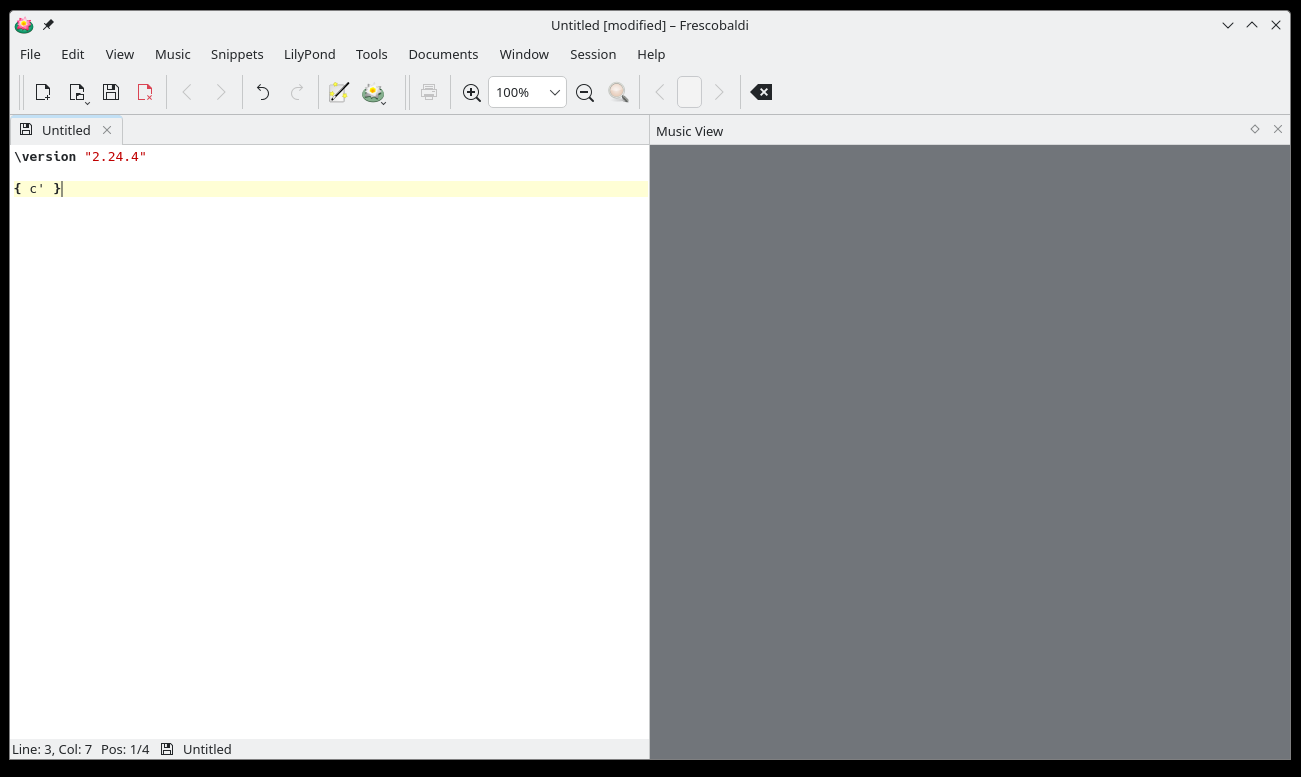
Now click on the LilyPond icon or use the Control-M keyboard shortcut. On the right, a simple score appears.
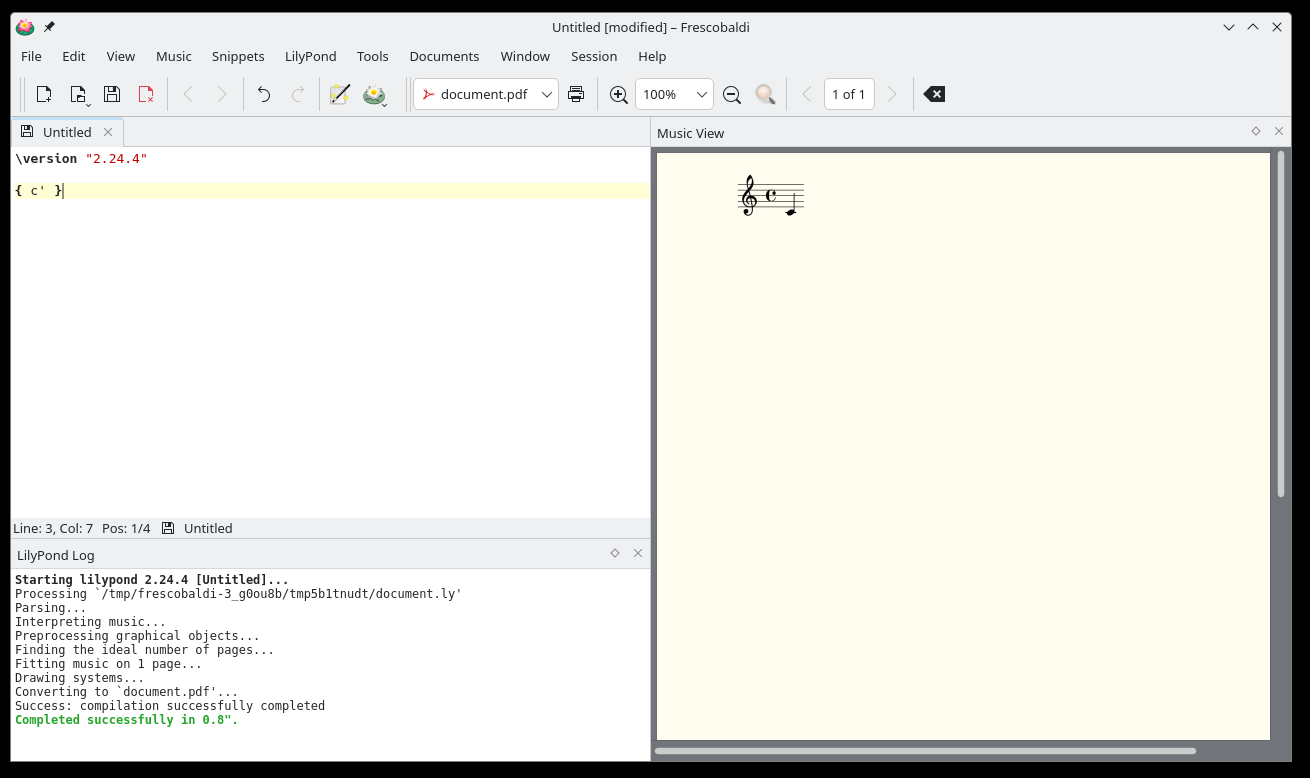
Congratulations, you have just created your first music sheet with LilyPond! If you’re satisfied now, you can skip the rest of this section.
Now turn to 教程 to learn more about LilyPond’s syntax.
| [ << Installing ] | [Top][Contents][Index] | [ 教程 >> ] |
| [ < Installing ] | [ Up: Installing ] | [ Command line setup > ] |